Major updatePosted
First release
Home Row version 0.1
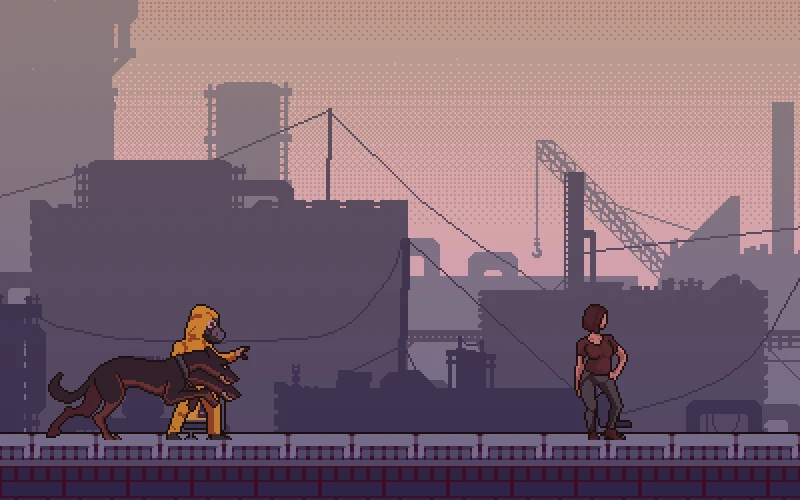
Home Row opens: a typing game where every right key is a step away from the horde, built to teach typing without looking.
Additions
- Run for It: every right key is one step. The horde moves at the lesson's speed from your first key, and if you stop typing you stop running.
- A wrong key is a slip: the horde gains ground and the letter shakes red. There is no Backspace; the cursor waits for the right key.
- 18 lessons, two new keys at a time, with the horde speeding up from 10 to 22 words per minute.
- Each lesson starts with warm-up reaches from the home keys, then common English words that use only the keys you have unlocked, leaning on your weakest ones.
- Pass a lesson by reaching the barricade with 90% of keys right. Stars at 95% and 98%.
- On-screen keyboard with each key coloured by finger, the next key pressed down, bumps on F and J and the finger named. It fades after 6 right keys in a row and comes back when you slip.
- Horde speeds in Settings:
- Shambling (x0.75)
- Hungry (x1)
- Starving (x1.3)
- Just behind me (a little faster than your last five runs)
- Extras on the Lessons screen: The Long Road (endless), Weak keys (built from your five worst keys) and a heat map of your keys.
- On phones, tap the on-screen keyboard to type.